
How PhoneLock works
A simple three-step process, plus practical guidance for a smooth rollout.
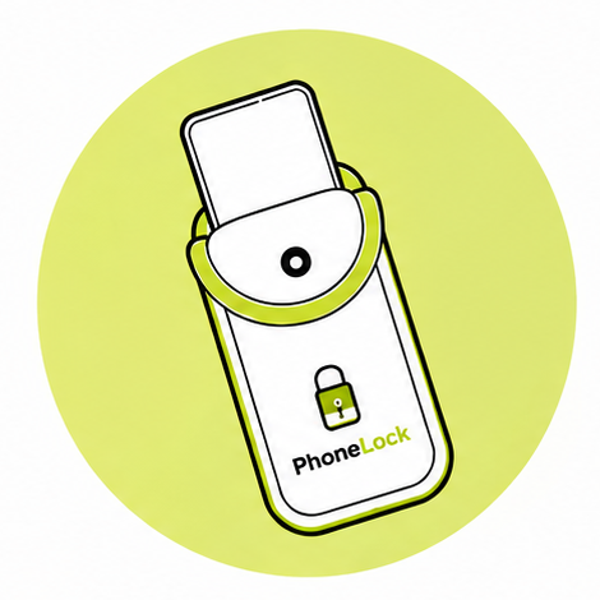
Arrive & insert
As students arrive, they place their phone into their assigned PhoneLock pouch.
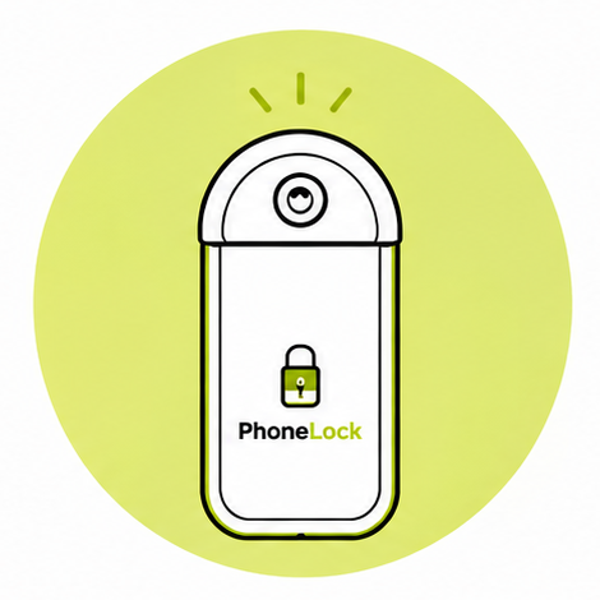
Lock & focus
They close and secure the pouch with the tamper-evident magnetic lock, keeping it on them all day.
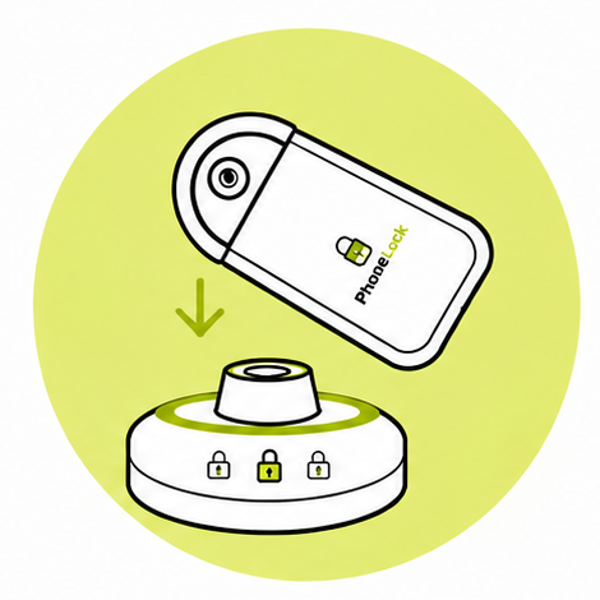
Tap & retrieve
On leaving, they tap the pouch on the unlocking station to retrieve their phone in seconds.
Deployment checklist
Before launch
- 1. Decide which spaces and times are phone-free
- 2. Order the right mix of 10.5" and 12.5" pouches
- 3. Choose unlocking station locations
- 4. Prepare parent, guest or staff communication
- 5. Train staff on the magnetic key and policy
Day one
- 1. Set up unlocking stations and signage
- 2. Issue pouches at the door or entrance
- 3. Remind users to keep the pouch with them
- 4. Unlock in batches at the end of the session
- 5. Collect feedback and adjust for next time
Pouch counts: how many do you need?
School
One pouch per student in the phone-free cohort, plus 10% spares for new admissions and replacements.
Concert / Event
Match expected attendance. Add 5% buffer for VIP guests and last-minute ticket sales.
Workplace
One per meeting seat or boardroom chair, plus a few for visitors. Most offices start with 50-200.
Court / Government
Base on peak daily visitor numbers plus 10% spares. Mix sizes for phones and small tablets.
Need help with your rollout?
We provide policy templates, staff training videos, signage and on-site setup support. Contact us to plan your deployment.
Get deployment support on WhatsApp